
The most widely used program to create sims 4 mods and custom content is the sims 4 studio. This program is created by simmers for simmers and is in my opinion the best program out there, but I have to be honest the sims 4 studio isn’t very beginner friendly and can be quite overwhelming the first time using it.
The reason I love the sims 4 studio is because in this program you can create almost anything. If you’re interested in creating a new outfit or furniture then this is possible or if you’re interested in creating a new career or adjust the pregnancy system then that is possible as well. The possibilities are endless and are only held back by your imagination.
Download the Sims 4 Studio
To download the sims 4 studio you’ll need to visit the sims 4 studio website and then it depends on the kind of computer you own, you will either download the windows or mac version.
The Interface
When you open the sims 4 studio for the first time the different buttons and tools can be overwhelming and as a modder you might not know where to start because the interface of the program can seem to be made for custom content only.

Any custom content creator will instantly click on build, cas, or object to start creating their custom content and as a mod creator you’ll rarely use any of these buttons, but even though you’ll not create custom content, unless it’s necessary for your mod, it is still a great idea to check what each of these buttons do.
Before you dive into the sims 4 studio it is a good idea to write down your creator name in the creator name section at the bottom right corner on the home page. Once you’ve done that you are ready to start creating your very first mod.
To start creating your very first mod you will need to click on the tools tab which can be found on the menu bar and then click on create empty package, then name your package file and select where you want to save your package file on your computer. You can also open any package file by clicking on my projects on the home page of the sims 4 studio.
Tools Tab
On the menu bar the most often used tab is tools and when you click on tools you’ll find different tools you can use for your mod and custom content.
- Extract Tuning: This is where you can find every single tuning file from the sims 4 game, but only from the sims 4 packs you own.
- Game File Cruiser: This is where you can find every single file from the sims 4 game that isn’t a tuning file. I mostly use this to find DST images and object definitions.
- String Table Lookup: This is where you can find the strings (text) that are used in the game.
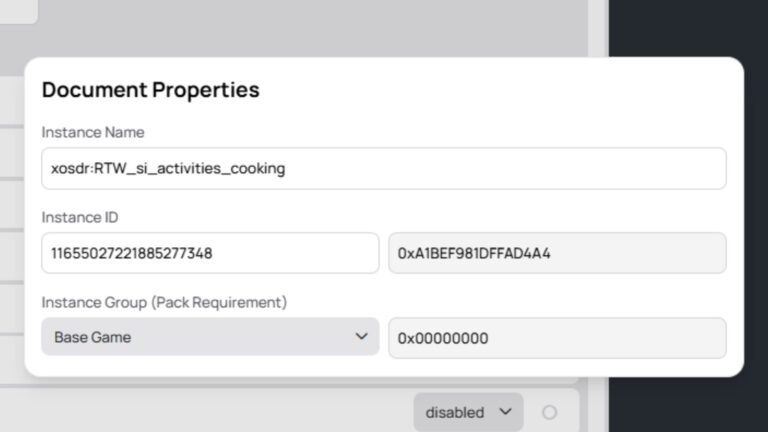
- Hash Generator: This is a tool which can help you create your unique tuning ID and instances.
These are the most commonly used tools for creating mods and it is a great idea to check out each single tool.
One other thing to note is that when you’ve finished creating your mod it’s a great idea to copy the string tables to all languages, this can be found in the tools tab and then hover over modding and select copy string tables to all languages. This will copy your string table (text) to every language available in the sims 4 game.
Warehouse
In the warehouse is where you’ll create your mod. You can add new files to your package file by selecting the tools tab and then click on extract tuning to use any in game files as a template or you can add new files by clicking on the add button at the bottom left corner and then select the type of file you want to create.
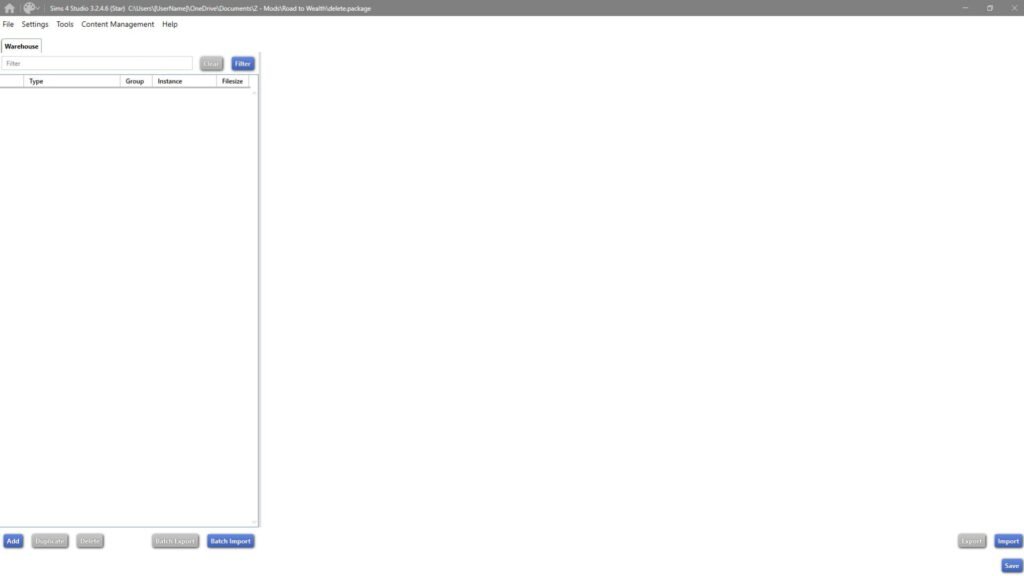

Your package file can quickly change from one or two files to a hundred or more files and therefore it is important to give every single file within your package file a proper name. I explain more about this in the TuningId & Instances post.
Video Content
If you prefer video content over written content then this video will help you understand the basics of the Sims 4 Studio.
Show You Support
If you’d like to support my content, you can do so through YouTube membership, Patreon membership, or Buy me a Coffee. While support is never expected, it truly helps me keep creating and sharing my content for free.