
Current version: 2.2
Have you ever been interested in adding a net worth system to your sims 4 game? Give your sims more ways to spend their hard earned cash? Have your sims apply for a loan, so that they can buy that item or house they always wanted? Then the road to wealth mod is the answer.
The mod focused on the money system in the game and not only does the road to wealth mod add new content to your game, but you also have the option to make certain in game content more expensive.
The reason I created the road to wealth mod is because I was done getting free money in the game and with free money I mean the money your household receives when you start a new game or add a new household to your current save. From there the idea of loans popped into my head and then came the idea of net worth traits. While I was working on the road to wealth mod I thought about different ways your sim can spend their hard earned cash because let’s be honest it is way to easy to earn those simoleons. Anyways, I can talk about the love I poured into the road to wealth mod for days, but let’s dive into everything this mod has to offer.
After Downloading the Mod
After you’ve downloaded the road to wealth mod, unzipped the folder, and placed the mod inside of your sims 4 mods folder it is important not to open the game right away. If you’ve already opened the game then please don’t panic your save file is not broken, but let’s close the game to make sure everything is installed correctly.
First things first make sure the road to wealth mod is only one folder deep inside of your sims 4 mods folder. You can keep the same folder structure, but it’s important that the script file is only one folder deep.
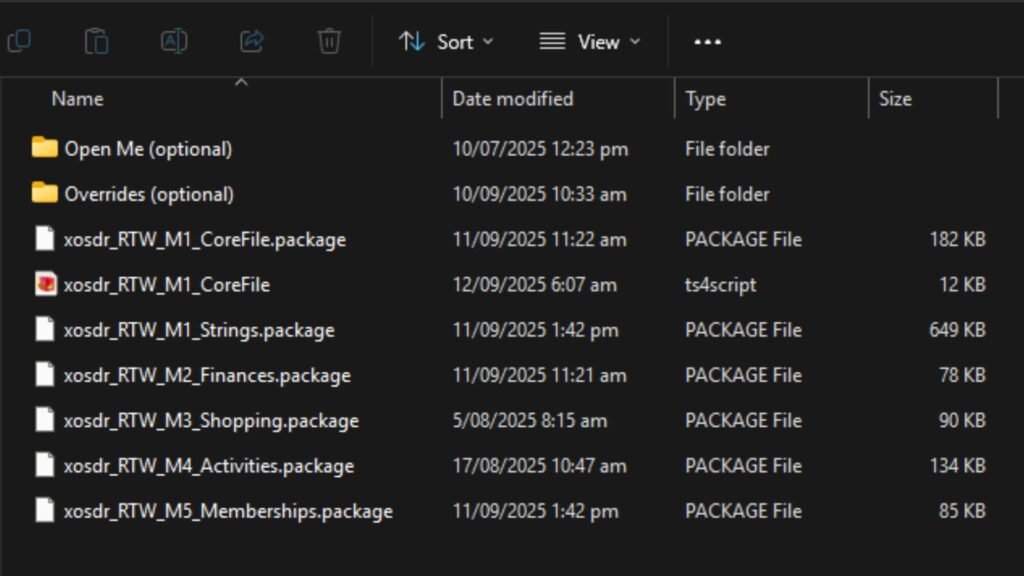
Secondly, the road to wealth mod is a modular mod which means you can pick and choose what you want to be added to your sims 4 game. It is important that you do not delete the corefile and strings package files because without these files the mod doesn’t work. Anything else from M2 to M5 and anything in the optional folders can be deleted safely.
The main modules:
- M1_CoreFile: don’t delete!
- M2_Finances: adds the loans and investment system.
- M3_Shopping: adds SimMart where you can purchase and sell inventory items.
- M4_Activities: adds adult and family activities.
- M5_Memberships: adds memberships.
Anything in the optional folders that is named M0 can be used without any of the main modules, but if the optional file is named M1 – M5 then it requires that main module.
It is important to open the open me optional folder and only choose one package files for the lot prices and starting funds or choose none.
Net Worth Traits
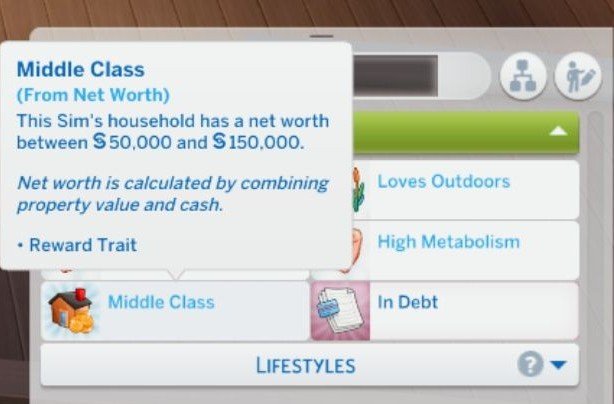
Your sims net worth is calculated by combining property value and cash. Every sim in your sims 4 game will automatically receive the correct net worth trait. If your sim has been working hard or they’ve spend too much cash their net worth trait will be updated accordingly.
The different net worth traits:
- Poor: less than §15,000
- Lower Class: between §15,000 and §50,000
- Middle Class: between §50,000 and §150,000
- Upper Class: between §150,000 and §500,000
- Wealthy: between §500,000 and §1,000,000
- Millionaire: more than §1,000,000
If you’re not interested in using the net worth traits then you can turn these off by clicking on your sim and then go to action menu to find the road to wealth cheats.
Preferences
Besides the net worth traits that are automatically given to your sim you can also choose which net worth traits your sim likes and dislikes. To make sure the preferences are available in your game you’ll need to download the custom preferences mod by zerbu.
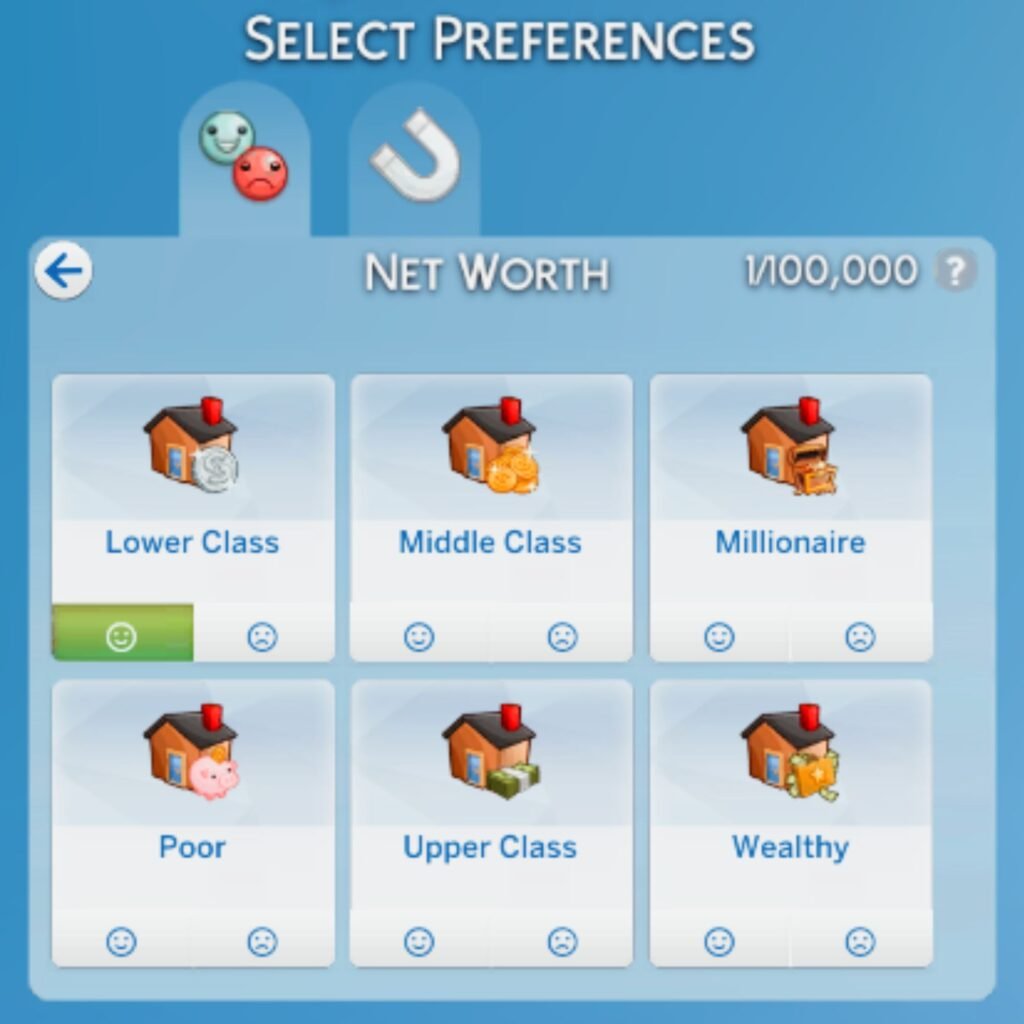
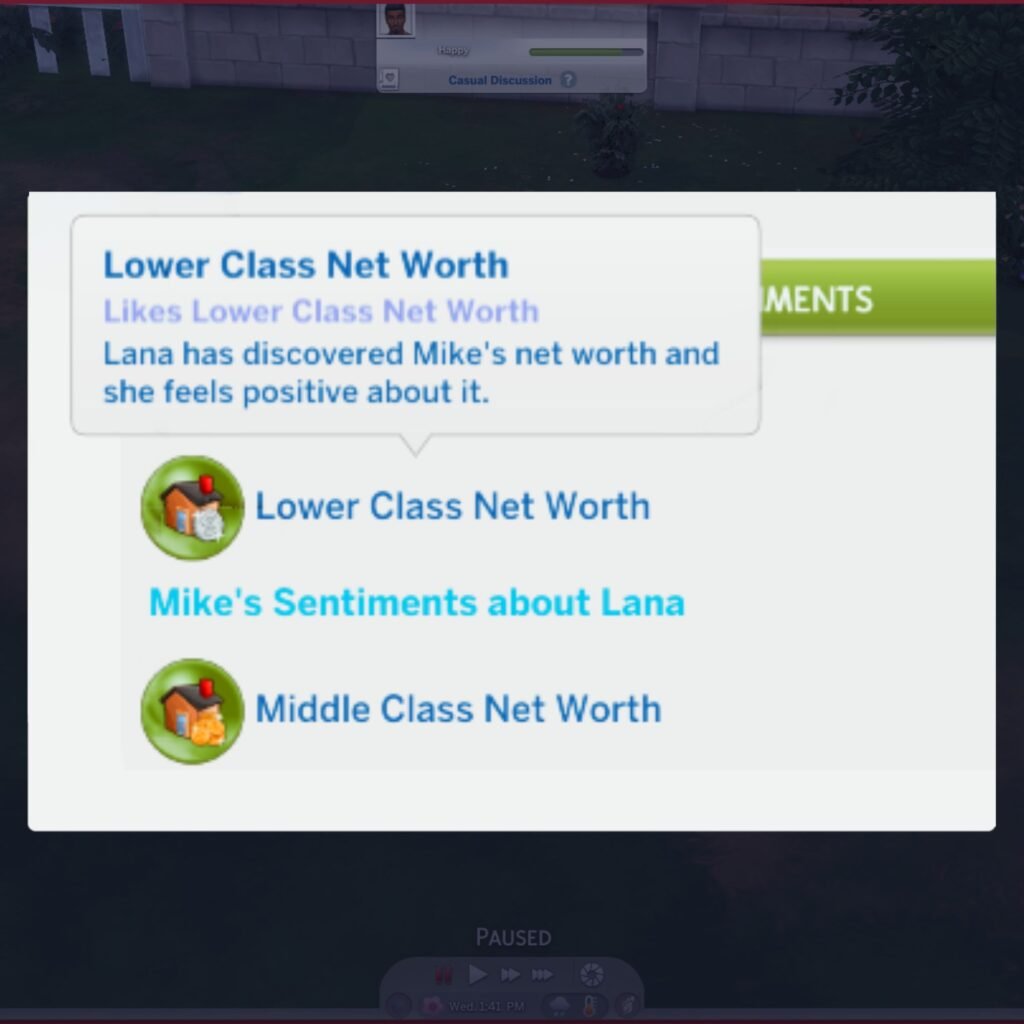
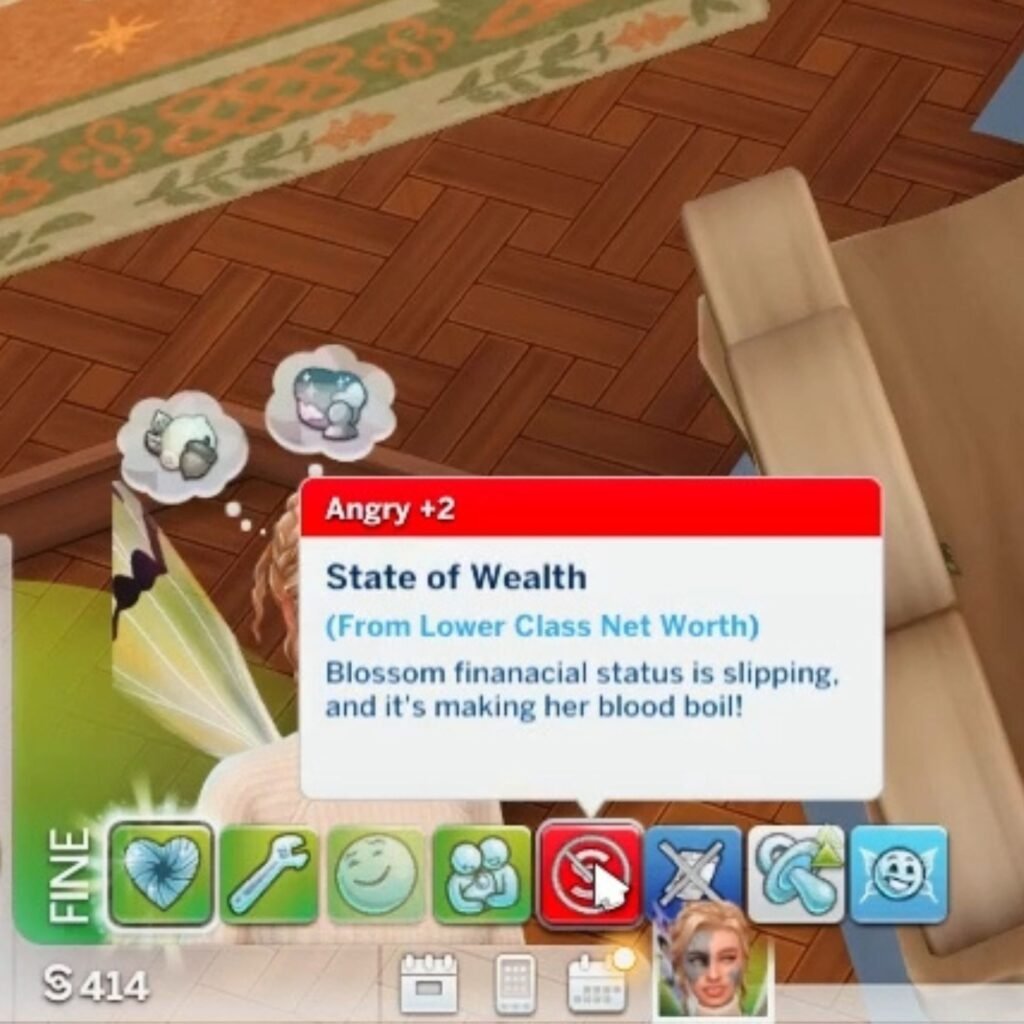
Once you’ve chosen the net worth traits your sim likes and dislikes it will impact their daily life. When your sim has a net worth trait they like they will receive positive buffs, and when they have a net worth trait they dislike they will receive negative buffs. Not only will they receive these buffs when they have that net worth trait, but they will also receive positive or negative buffs when they’re close to reaching the next net worth trait.
It’s not just buffs that your sim will receive when they’ve chosen their net worth preferences, but it will also impact their friendships and romantic interests. Your sim can ask another sim what their net worth is and according to your sim preference they will either like or dislike the other sims net worth, this will impact how your sim feels about the other sim and how easy it will be to become friends. You can check the net worth of the other sim in their sim info profile under the sentiments tab after your sim has asked about their net worth. If your sim doesn’t have a preference for the net worth of the other sim your sim will 99% feel positive about it.
Starter Loan
The starter loan is an optional file and can be found in the open me (optional) folder and then in starting funds folder. Make sure to only choose one of the package files within this folder!
The difference of each package file is how many simoleons your household will start with when you’re creating a new household. To understand which package file to choose you will have to multiply the number by a 1,000. For example: StartingFunds_10 = §10,000.
Please note that households downloaded from the gallery will not receive the amount of funds you’ve chosen, but will instead have the amount of funds they had when they were uploaded to the gallery. To fix this you can add a new sim or pet to the household.
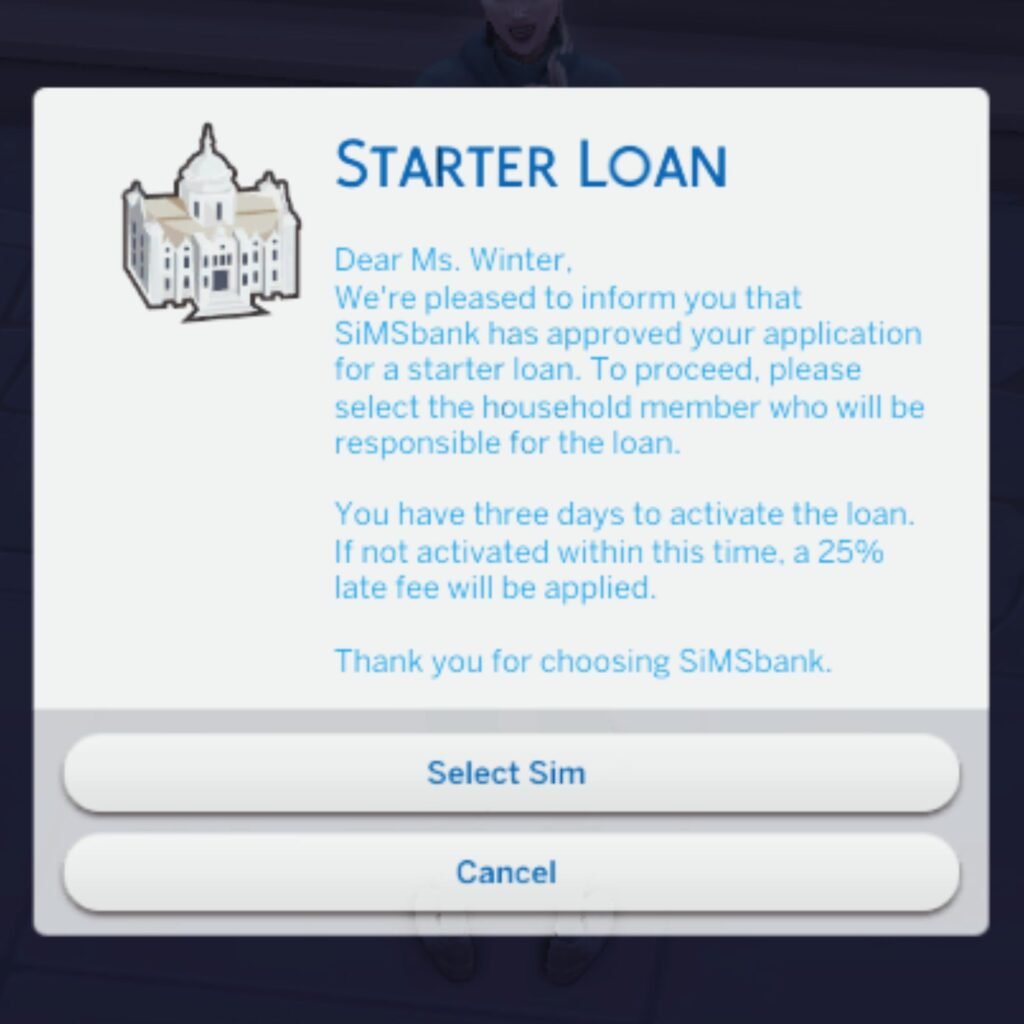
The starter loan isn’t free money!
Once you’ve moved onto a lot with your new household the next morning you’ll receive the starter loan inside of your mailbox.
It’s now time to assign the starter loan to a sim inside of your household and once the loan is assigned to your chosen sim that sim will be responsible for the loan.
The amount your sim will have to pay back depends on how much money you choose for the starting funds package file.
Lot Prices
The lot prices are an optional file and can be found in the open me (optional) folder and then in lot prices folder. Make sure to only choose one of the package files within this folder!
The difference of each package file is the cost of the lot. To understand which package file to choose you will have to multiply the number by the original price. For example: let’s say the original lot price is §500 and we choose the LotPrices_3 then the new lot price will be §500 x 3 = §1,500.
Loans
With the main module M2_Finances installed your sim will be able to take out a loan. It’s important to understand that every loan is added on top of each other, so if your sim is already in debt then the new loan will be added to the old loan. Unlike the starter loan these loans will come with interest and the interest rate depends on your sims net worth.
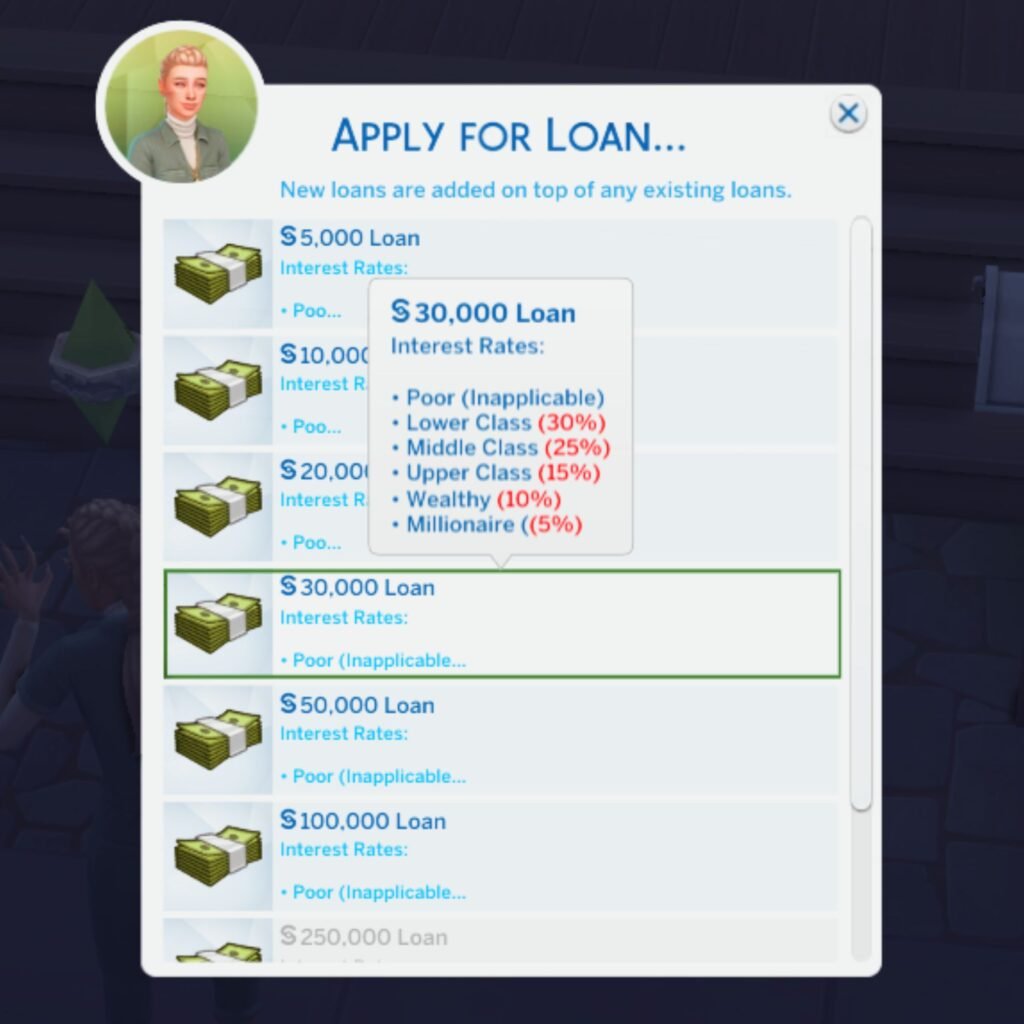
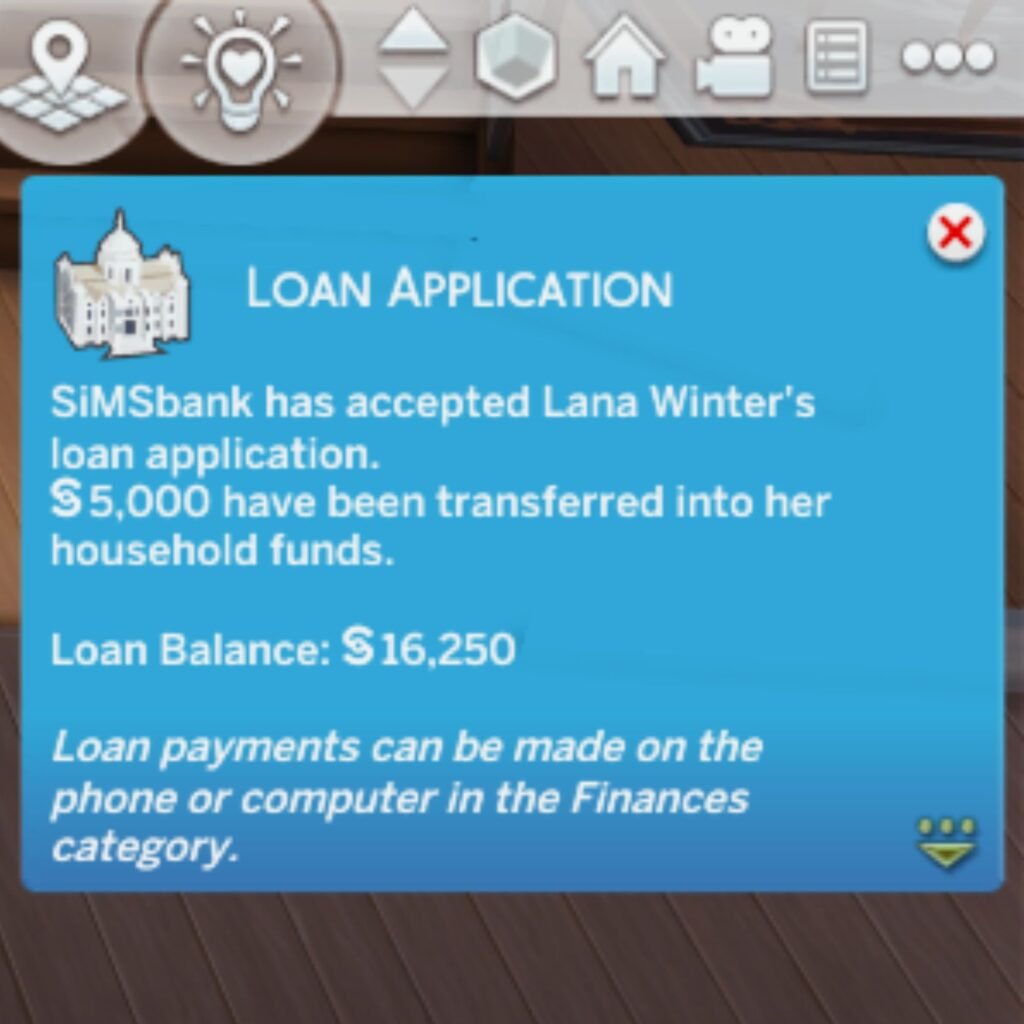
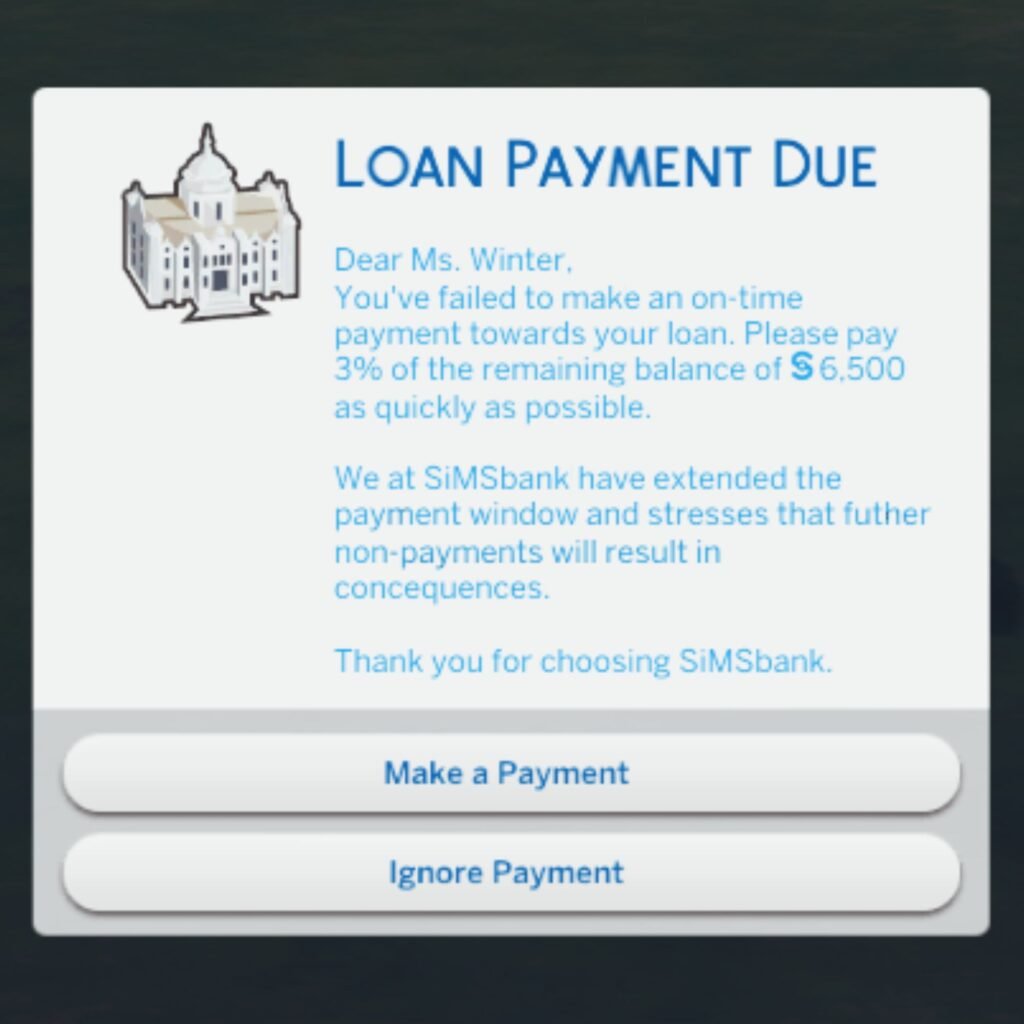
Not every loan is accepted and there is a chance your sims loan application will be denied. If your sims loan application is accepted they will receive the in debt trait and they will have to pay back 3% of their loan balance weekly. Non payments will result in consequences and will trigger the debtor who will take stuff from your sims home.
Investments
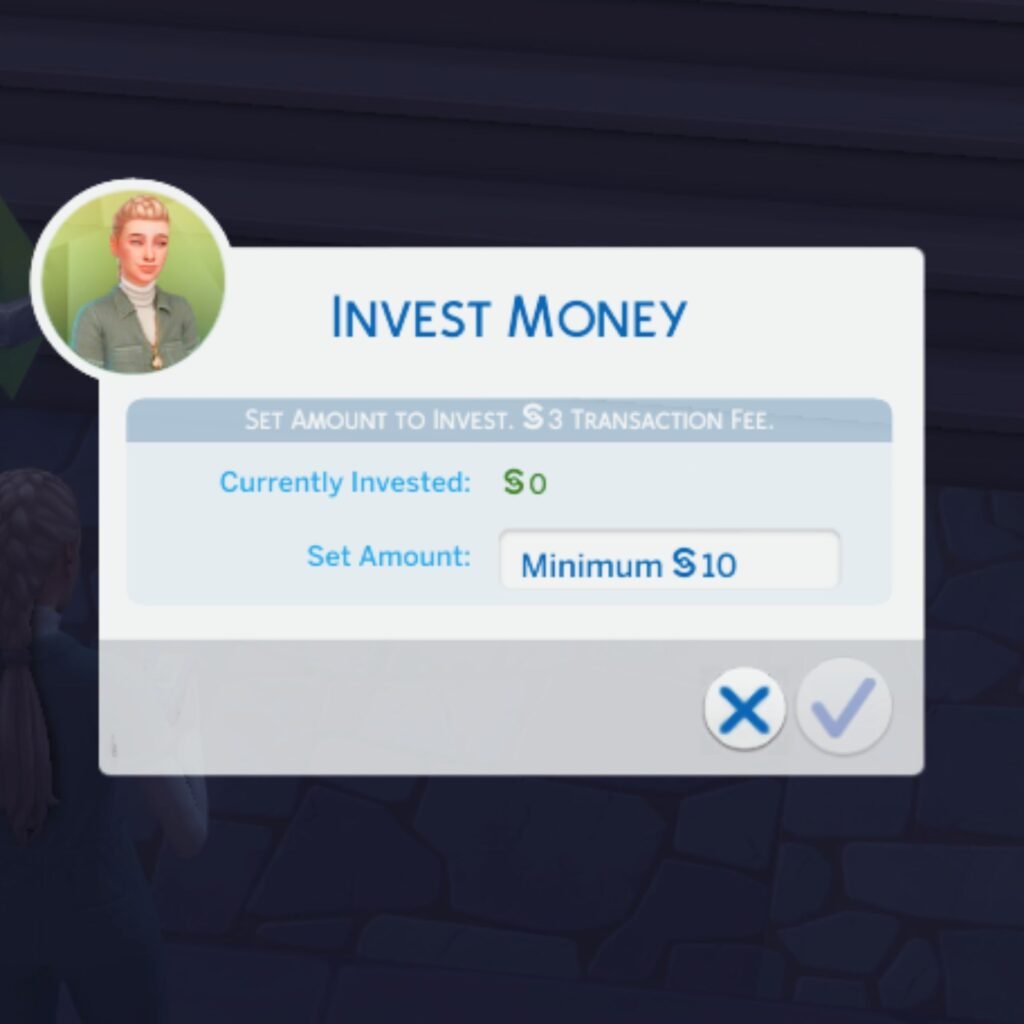
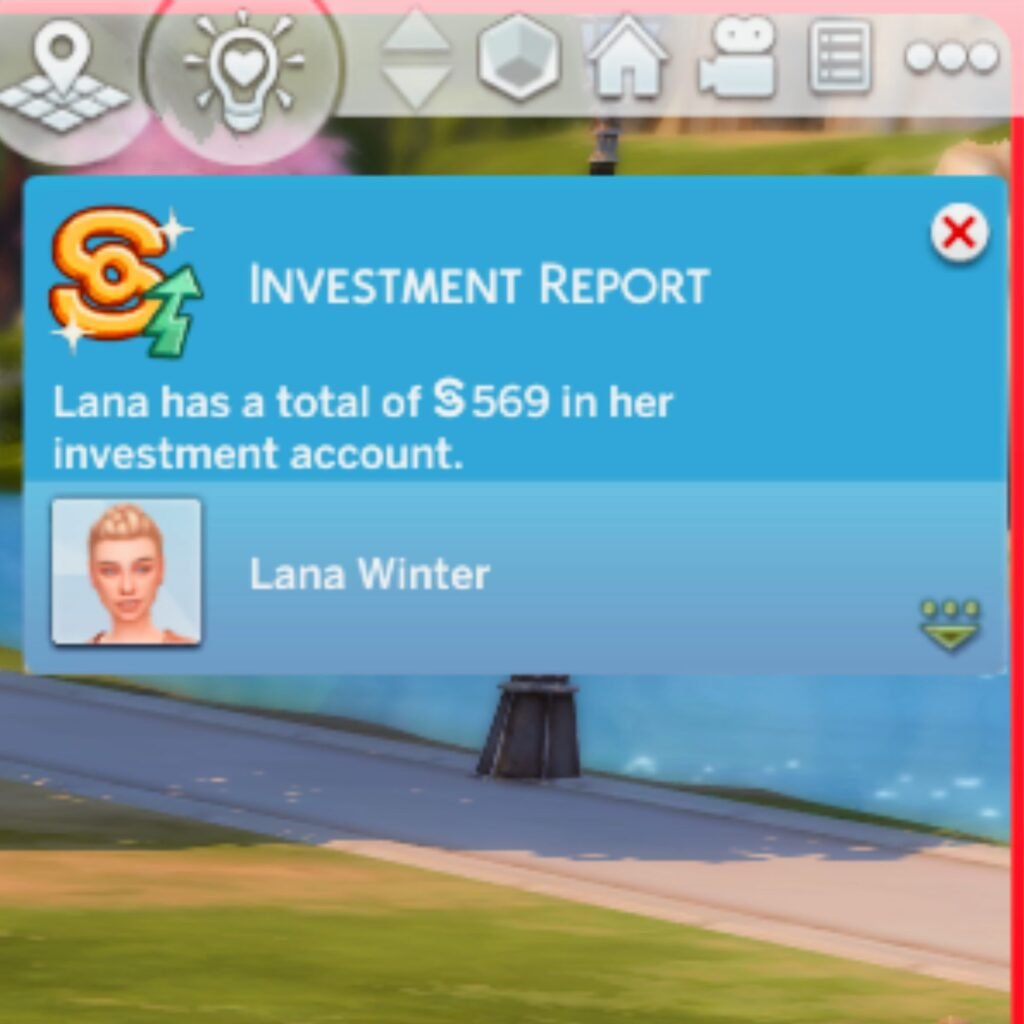
With the main module M2_Finances installed your sim will also be able to invest their hard earned cash. You can choose how many simoleons your sim wants to invest and you’ll receive weekly notifications of their investment report. The money inside of their investment account can go up or down and your sim can also withdraw any amount of money from their investment account.
SimMart
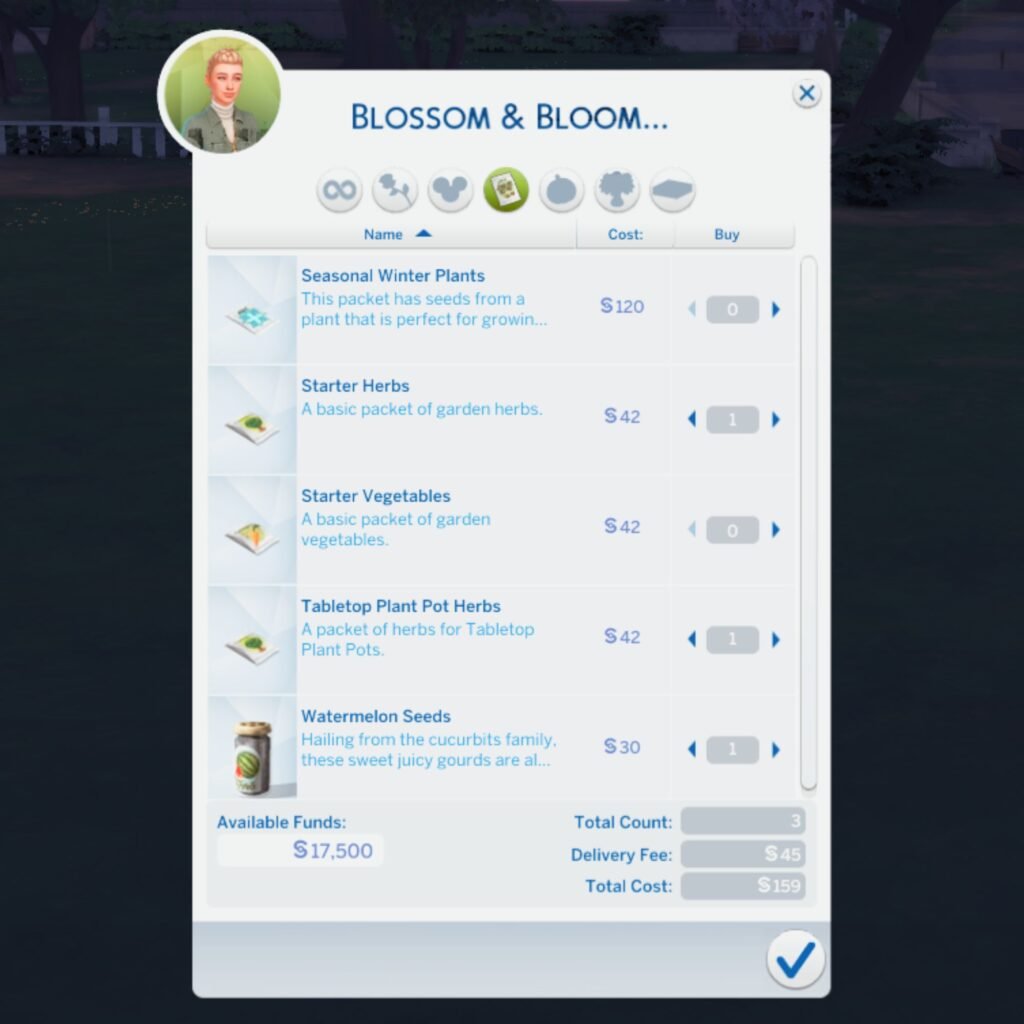
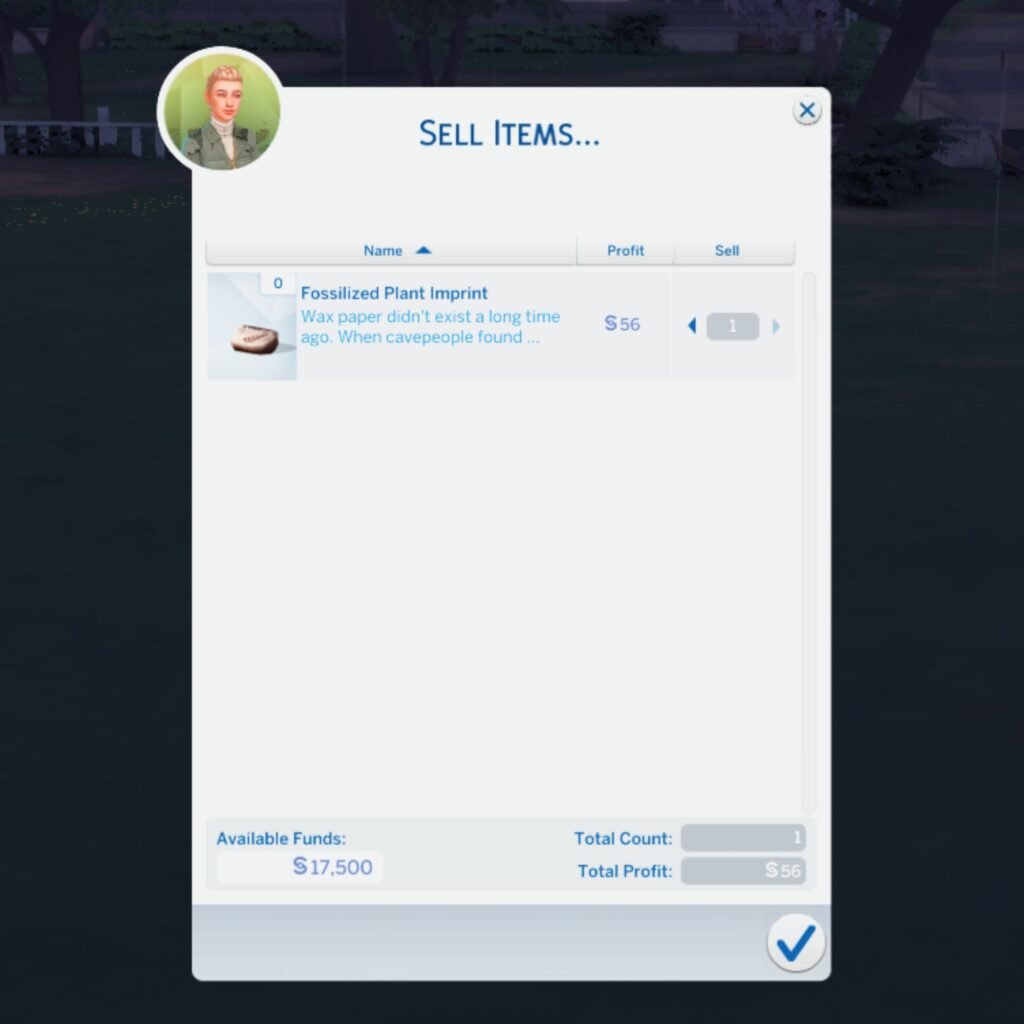
With the main module M3_Shopping installed your sim will be able to purchase and sell items to the different shops available at SimMart. Every day the shops will have a refreshed list of items available, so make sure to check the shops daily to find rare collectables.

Activities
With the main module M4_Activities installed your sim will be able to go on activities by themselves or with family and friends, just make sure that the sim you want to join the activity is available on the current lot.


There is a price tag to every activity and some activities will give your sim a discount if they have a certain item inside of their inventory, for example: if your sim owns ski’s or a snowboard when they’re going to Snow World.
The description of each activity will give you all the information you’ll need. Some family activities will have an age requirement which mean that the activity cannot be joined by all household members.
During an activity your sim will gain skills and there is a possibility your sim will receive a chance card and also a reward when they finish an activity.
Memberships
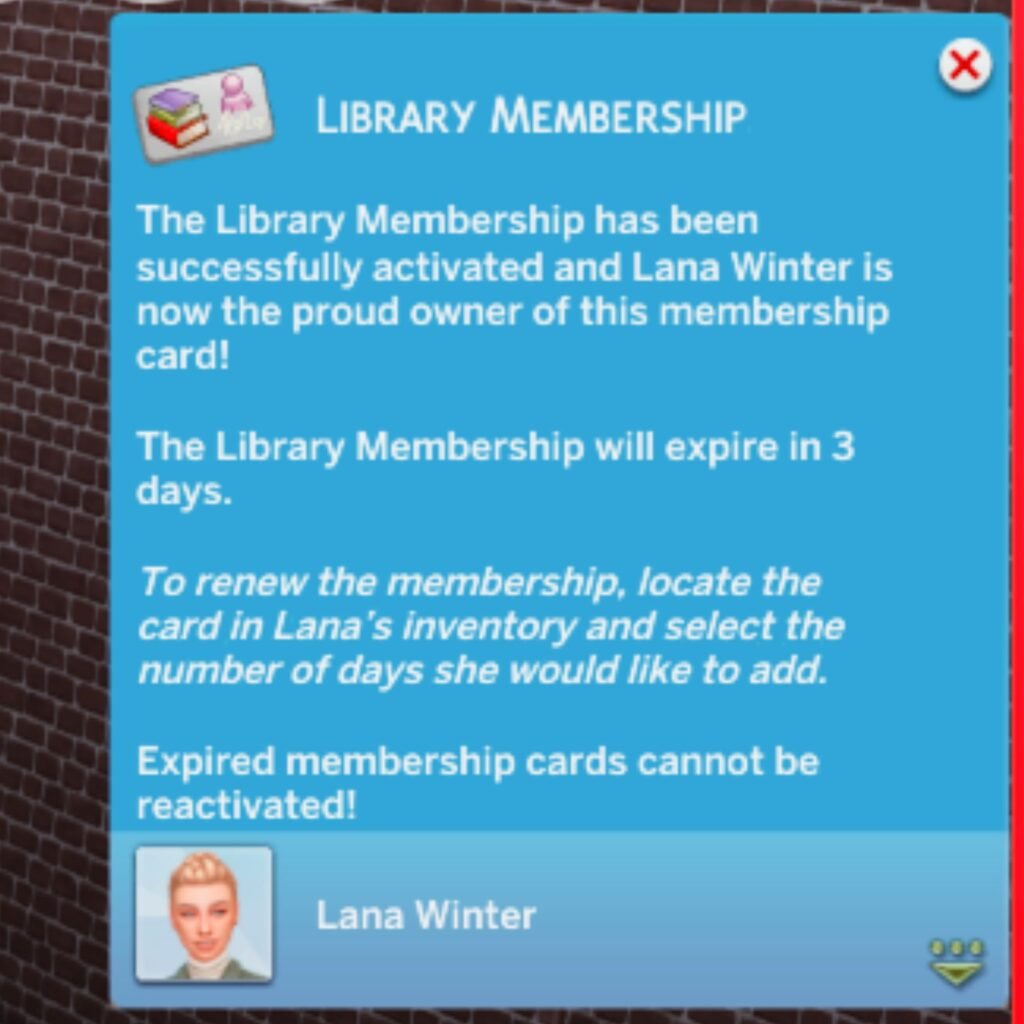
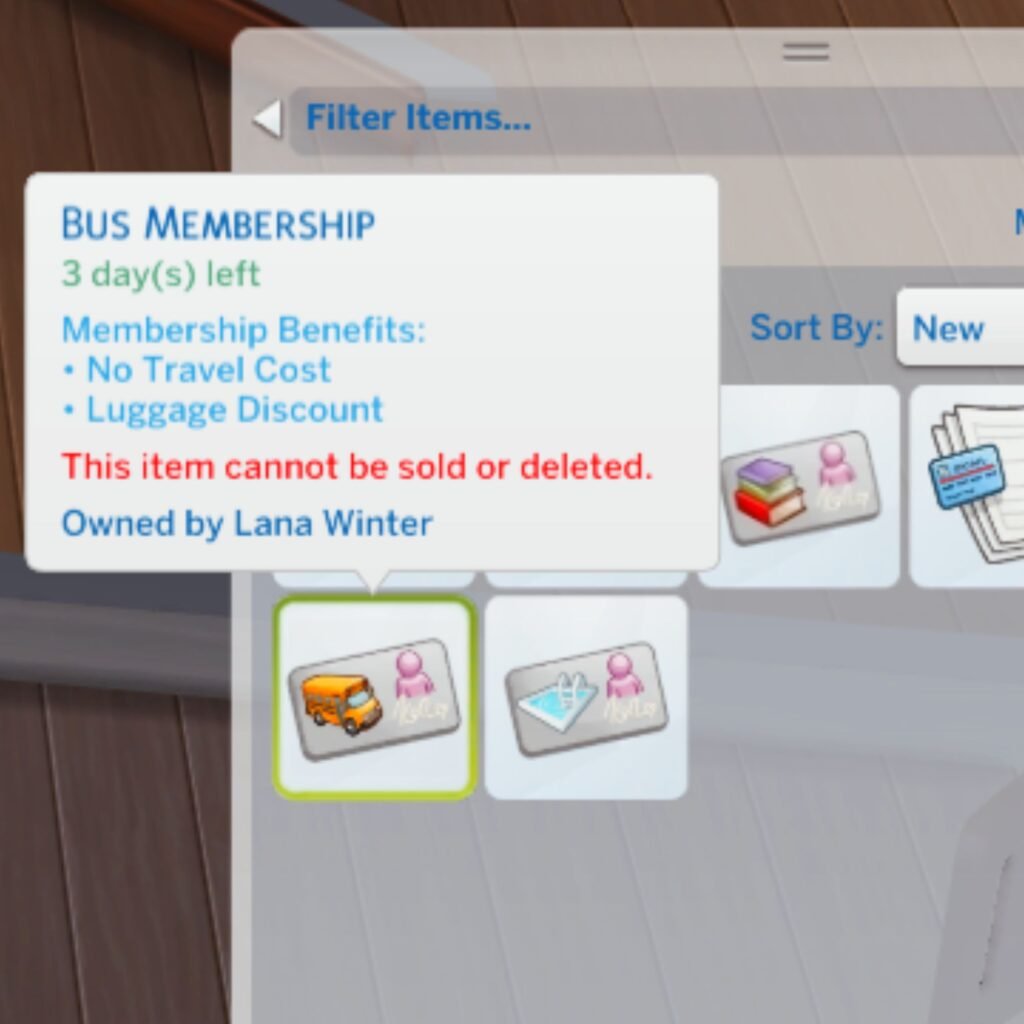
With the main module M5_Memberships installed your sim will be able to purchase a membership card which your sim will need to activate before it can be used. Every activated membership card will expire within 3 days if they’re not renewed and expired membership cards will become invalid. Your sim will be reminded when they’re membership card is about to expire.
Entrance Fee
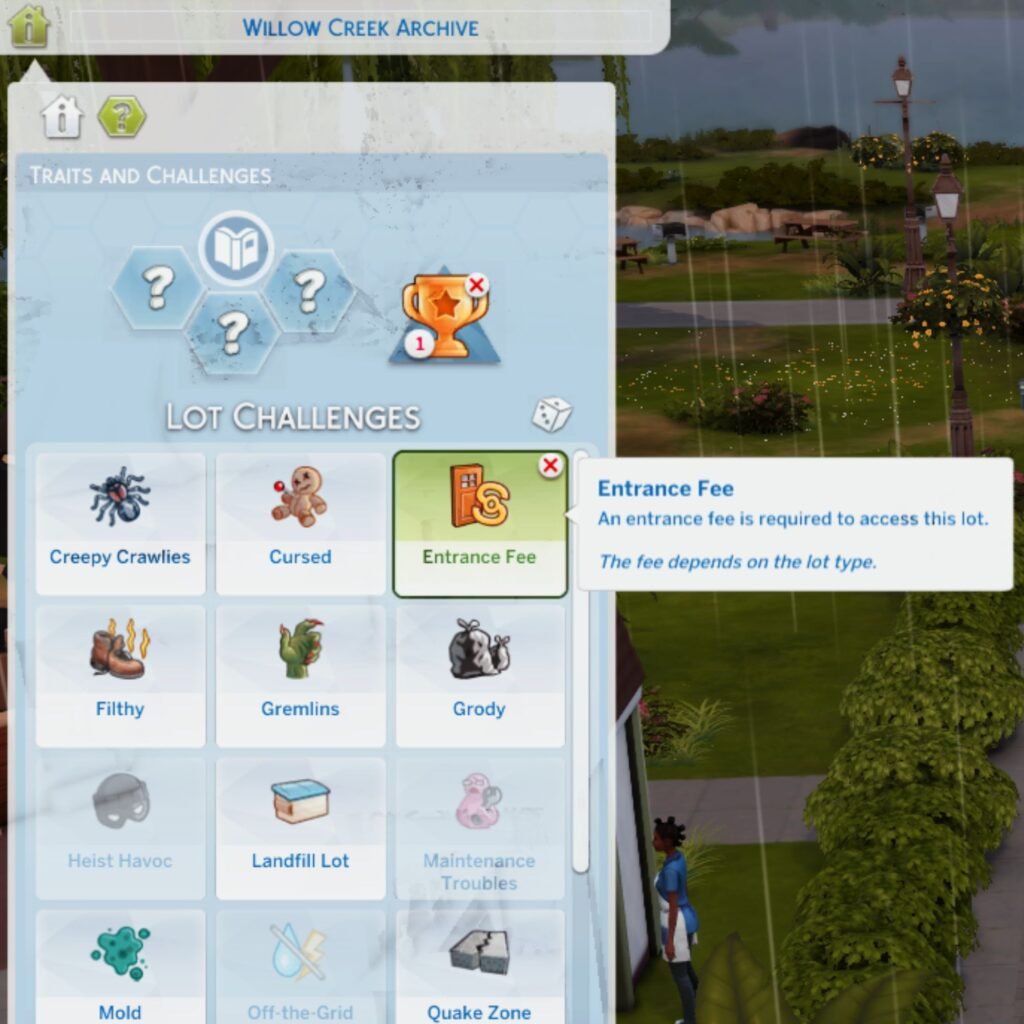
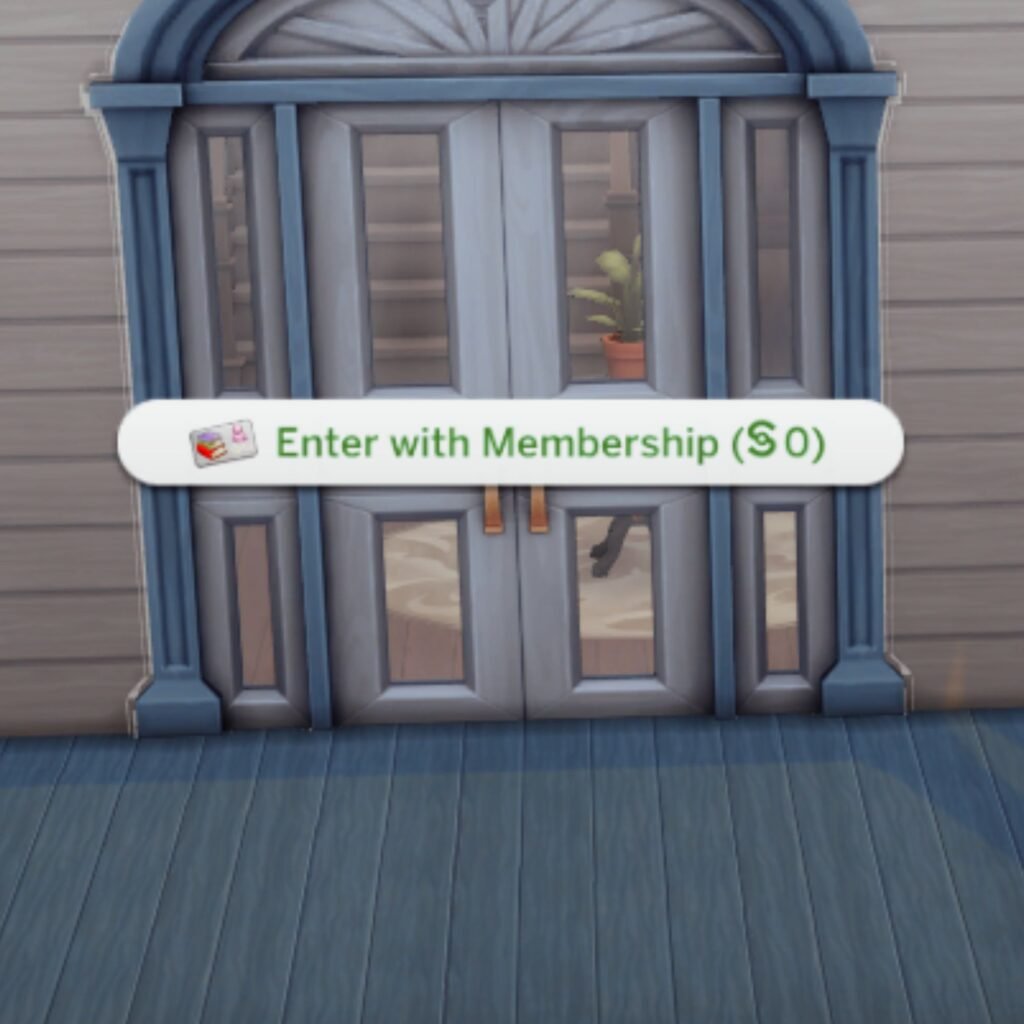
On every community lot you can add the entrance fee lot challenge. With this lot trait your sim will need to pay an entrance fee before entering the building. The fee needs to be paid at the door, so click on a door and select pay entrance fee. If your sim owns a membership card they might be able to enter the lot for free.
Overrides
All overrides made for the road to wealth mod have their own package file, you can find these in the overrides (optional) folder. These are the only files that might not be compatible with other mods.
Some of these overrides only work if you have a certain main module installed and to figure out which main module is needed you can check the number behind M, any override that says M0 can be used without the road to wealth mod.
- Diaper&Bottle: adds prices to diapers and bottles for babies, infants, and toddlers. Baby diapers are free.
- ScienceBaby: makes having a science baby more expensive for single sims and couples.
- University: makes university classes more expensive.
- Bills: moves the “show bill info” and “pay bills” to the new finances category.
- RemoveGifts: removes the “purchase gifts” and “purchase romantic gifts” from the phone.
- Travel: adds the bus membership to the members club and adds a price to travel and going on vacation.
Video Content
If you prefer video content over written content then this video will show you everything the road to wealth mod v2 has to offer!
- If you’ve any questions or find any problems, please let me know on my Discord
- Please Read Terms of Use
- Required: custom preferences mod by zerbu.
This mod can be downloaded on patreon (supporter) or curseforge (free)